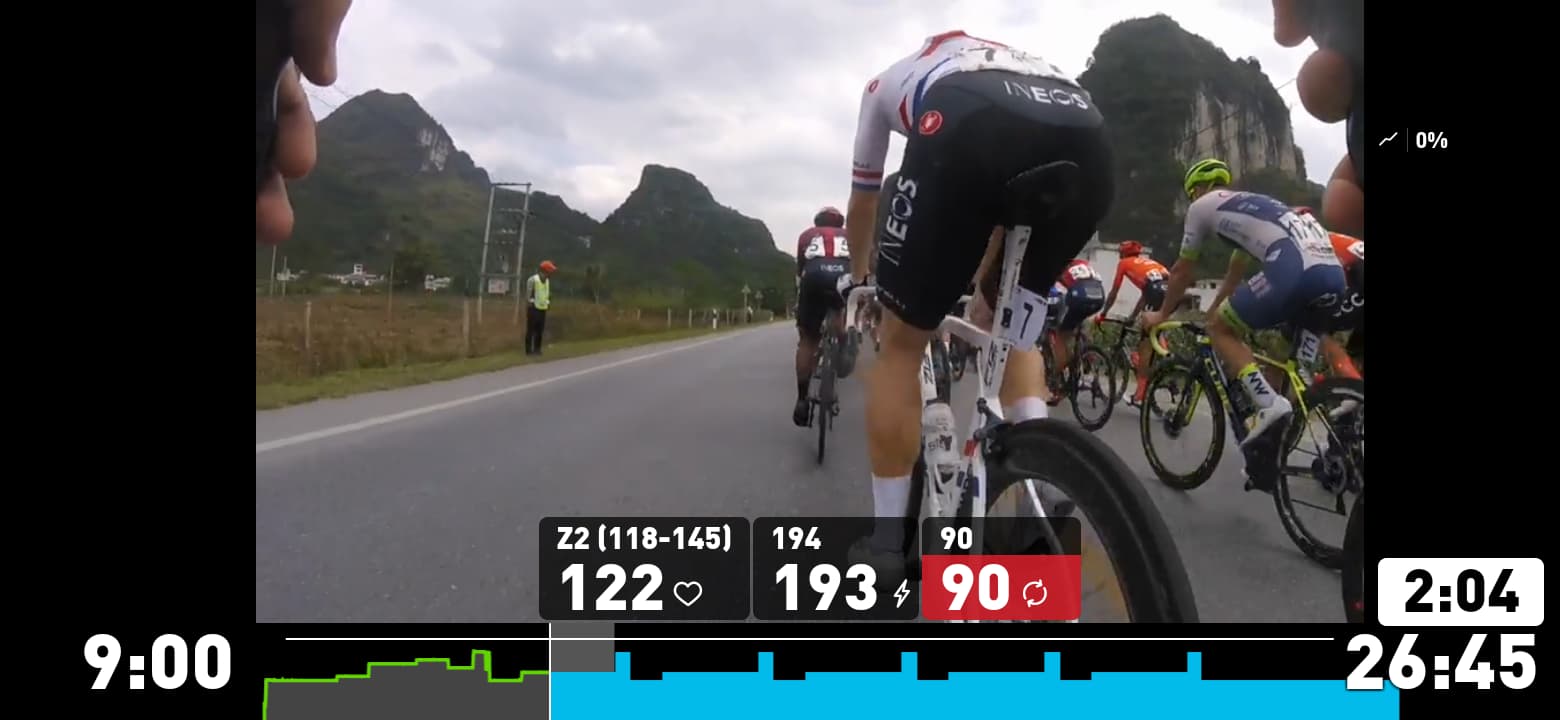
Did “The toolshed” yesterday. The video isn’t completely in sync with the powergoals and sound effects.
The powergoals and changing of resistance lags behind almost 2 seconds. For the start of an effort it’s annoying and for the end of an effort it’s worse, the screen says it’s time for some recovery but you have to keep going.
10 minutes in @abicarver has us putting on our right arm on our right thigh but the next instruction is to circle our right arm down and up into the air. I always knew Abi is way more flexible than me but to have your arm on your thigh and in the air is properly impressive!
I noticed an anomaly in the Shovel. Around 47 mins the notification says low cadence and gives a target of 85rpm. Not what I’d call low but we had been at 90rpm before. Then the next instruction is “even lower”
and it stays at 85rpm. So definitely an error due to a change in the workout.
Not sure if this is a “typo”: I did the GCN Muscular Endurance Intervals video this morning and it seems that where the on-screen cadence says “100”, it should actually be something like 85, judging by the cadence of the presenters. 100 seems quite high for a warm-up and recovery portion.
Just rode Tool Shed earlier today from a downloaded copy and noticed the sync issue. I could just check it out experimentally, but the answer to this question might be useful to other folks.
Before I go manually delete my downloaded video for this ride only to download it next time, does SYSTM check whether a downloaded workout is current or does it just use the local copy even if SYSTM has a newer version? It would be great to be offered the option to keep or replace a downloaded version which has been updated.
In the past I was prompted by the Windows App if I wanted to update a downloaded Video since it was updated.
So you should be fine and wait for that popup.
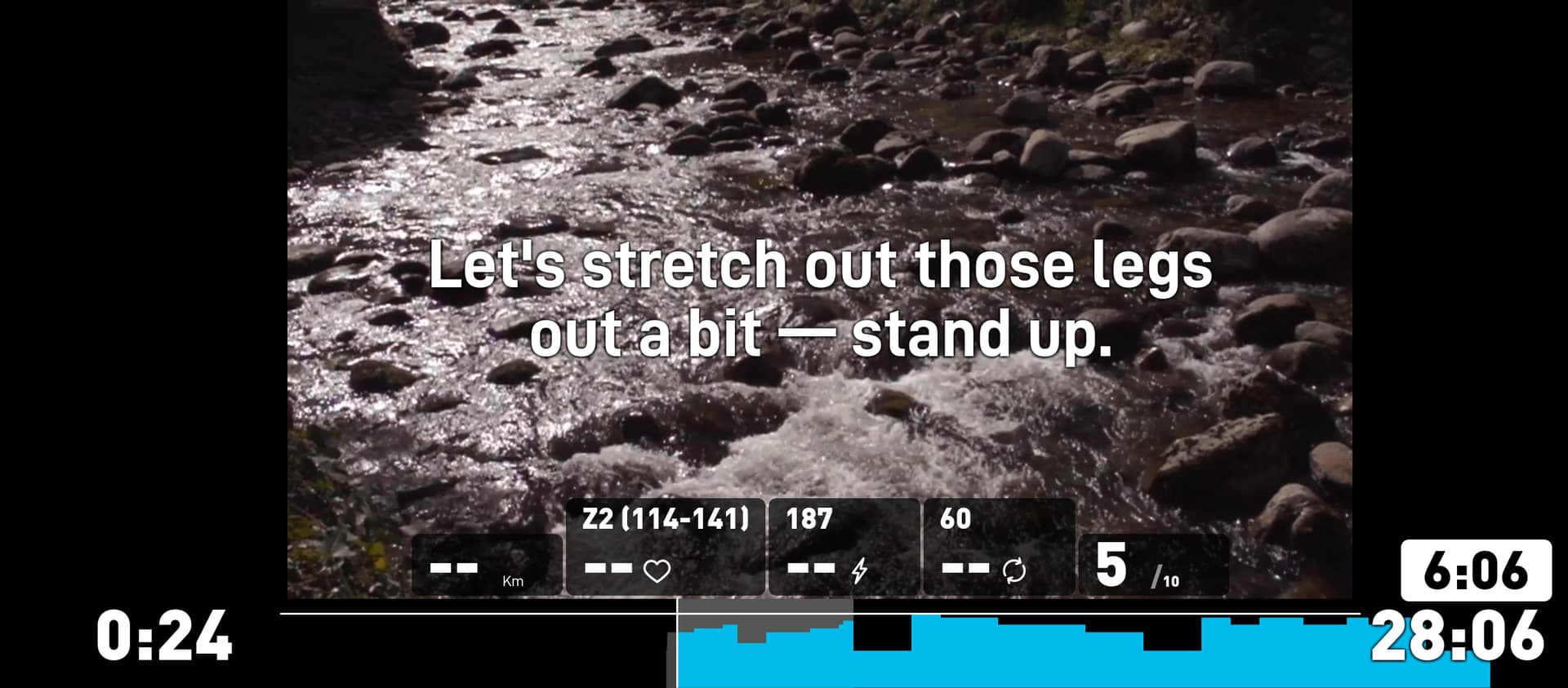
I think one of those two “outs” needs to get out. We cannot let you get away with two outs.
Or am I getting it wrong, and stretching out legs out is actually a devious instruction to check if we are doing our Yoga right?
In Nine Hammers, I think it was between 6 & 7 (hard to remember) the pop up graphic for the recovery period time and the actual time are different. The popup is wrong GVA! LOL
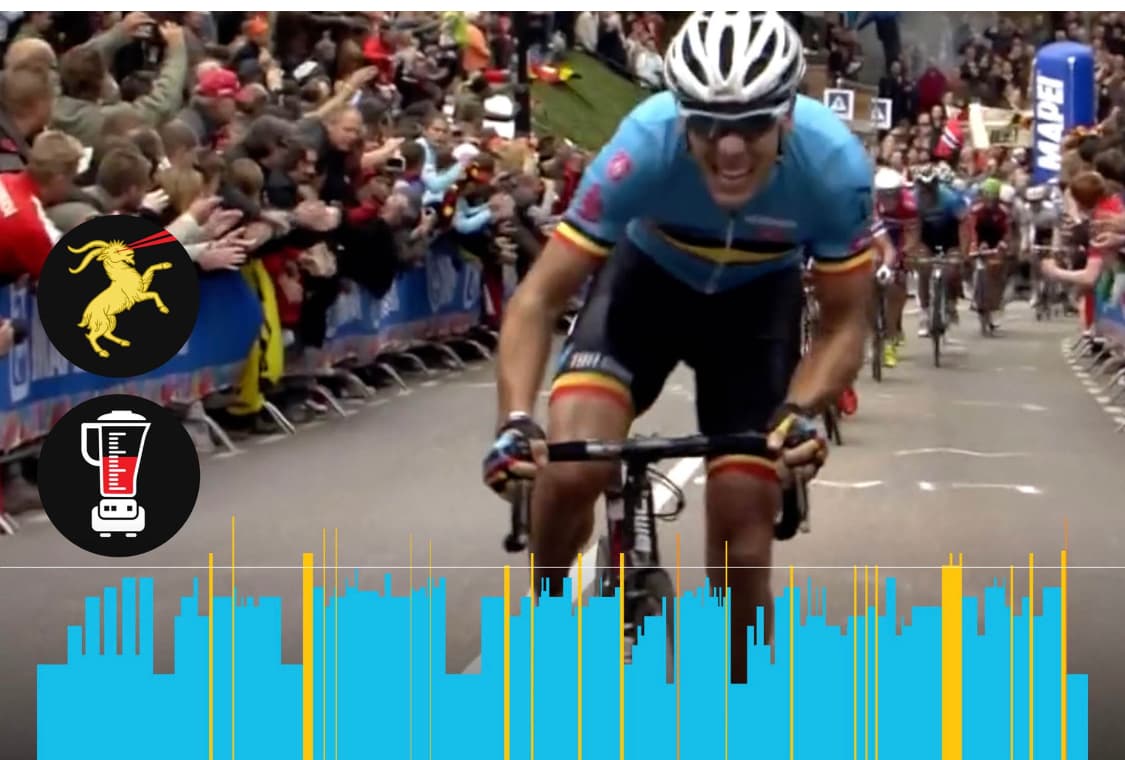
Rode ProRide: Tour de Suisse 1 this morning. A lot but not all of the surge and freewheel icons were mistimed. Too many to note or screenshot them all. Some were fine, but especially in the descent they were all over the place.